
Overview
Card readers allow your organization to accept in-person card payments through the BravoBase Box Office.
BravoBase supports select card readers for organizations using Stripe.
Supported Card Readers
1. Stripe Reader S710/S700
The Stripe Reader S710 is the current card reader recommended for new BravoBase card reader setups.
If your organization needs a new or additional card reader, the S710 is the reader currently recommended for use with BravoBase.
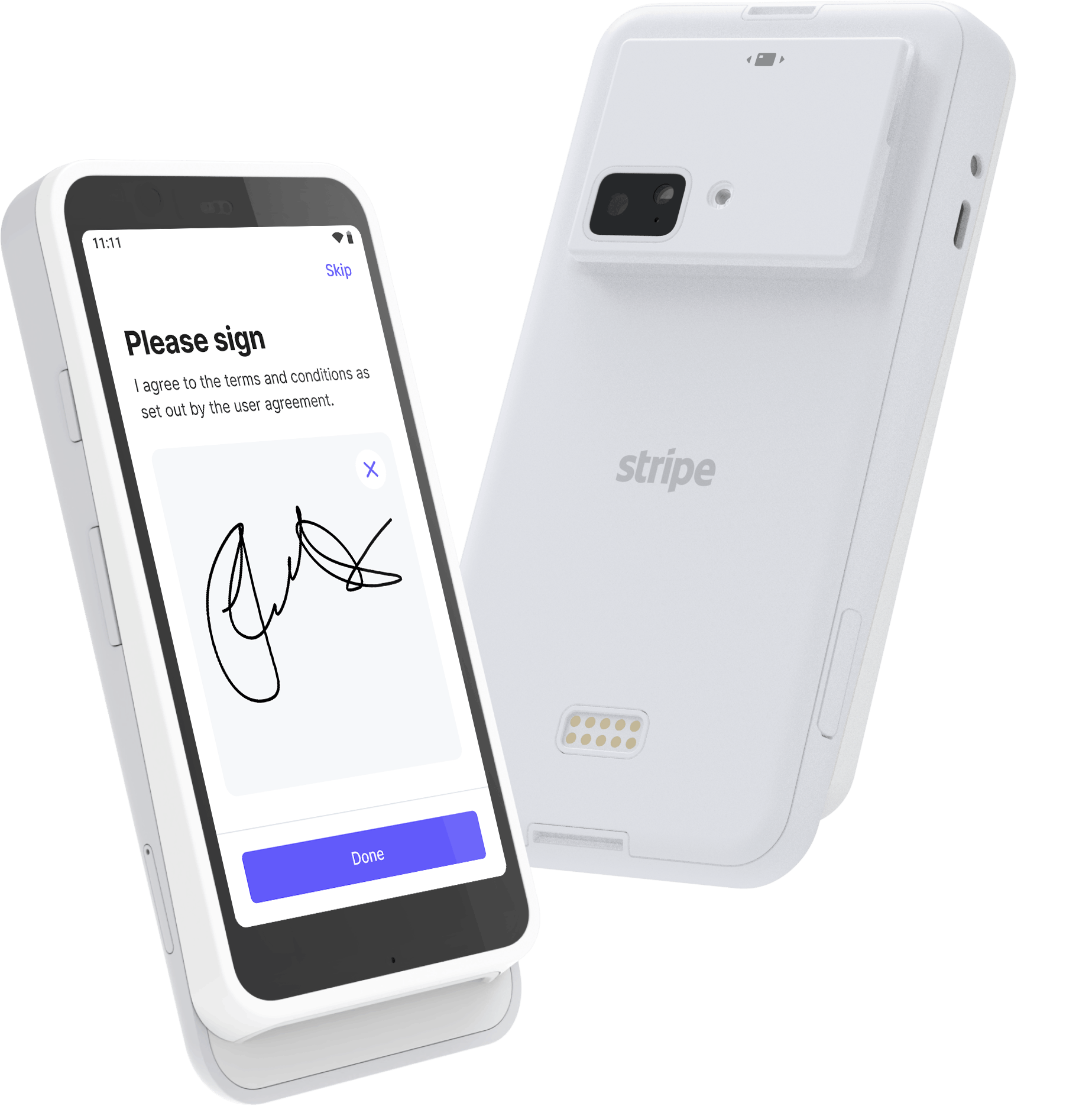
For setup instructions, see: How to: Set Up a Stripe Reader S710
2. BBPOS WisePOS E
The BBPOS WisePOS E was previously used for BravoBase card reader setups.
Stripe stopped accepting new orders for the WisePOS E after September 1, 2026. However, organizations that already have a WisePOS E can continue using their existing reader.
If you already have a working WisePOS E, you do not need to replace it because of this change.
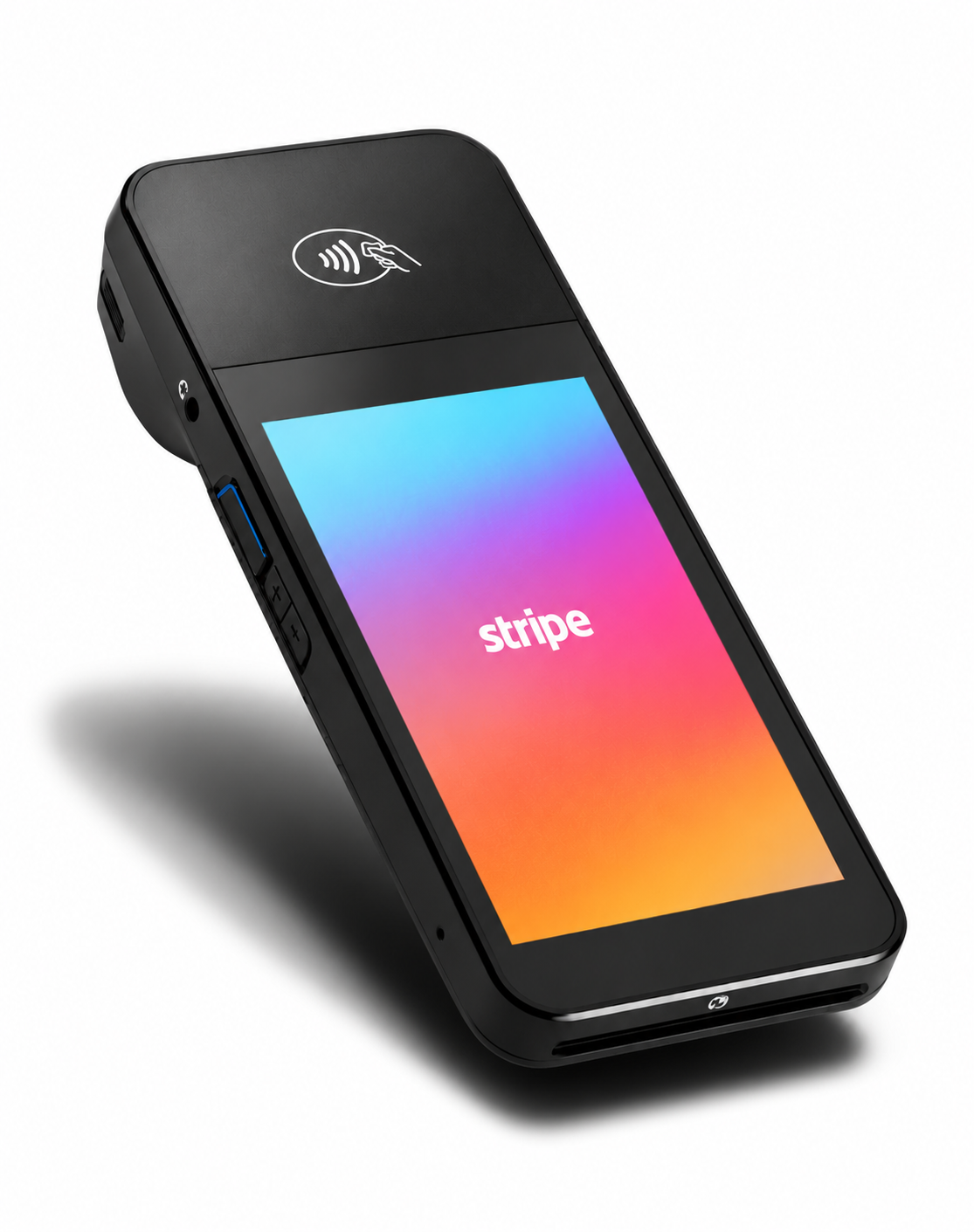
For setup instructions, see: How to: Set Up a BBPOS WisePOS E
Ordering a Card Reader
If your organization needs a new or additional card reader, you have two options for ordering a Stripe Reader S710.
Order Through Bravo Arts Solutions
You can contact Bravo Arts Support and ask us to order the reader for your organization.
When requesting a reader, please let us know:
- Your organization name.
- How many readers you need.
- Whether this is your first reader or an additional reader.
- The shipping information for the order.
Our team will confirm the order details with you and help with the next steps for getting your reader ready to use with BravoBase.
Note: Hardware orders may include additional shipping charges.
Order Through Your Stripe Account
If your organization has access to its Stripe account, you can also order a supported reader directly through Stripe.
When ordering your own reader, make sure you select a card reader that is supported for use with BravoBase. For new orders, we recommend the Stripe Reader S710.
Once you receive the reader, it will need to be registered and configured with your Stripe account before it can be used with BravoBase.
See How to: Set Up a Stripe Reader S710 for the next steps.
Already Have a Card Reader?
If your organization already has a Stripe Reader S710 or BBPOS WisePOS E, you may be able to use your existing reader with BravoBase.
Contact Bravo Support if you need help confirming your existing reader or getting it connected to your BravoBase setup.