
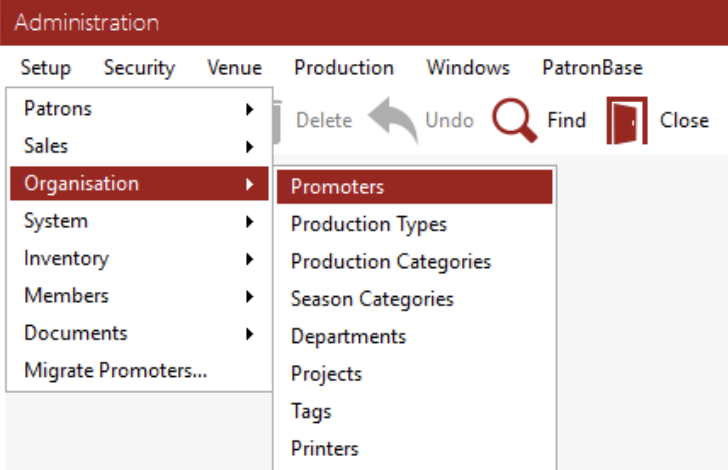
To create a new Promoter, go to the Desktop Administration Module > setup > organisations > Promoters.
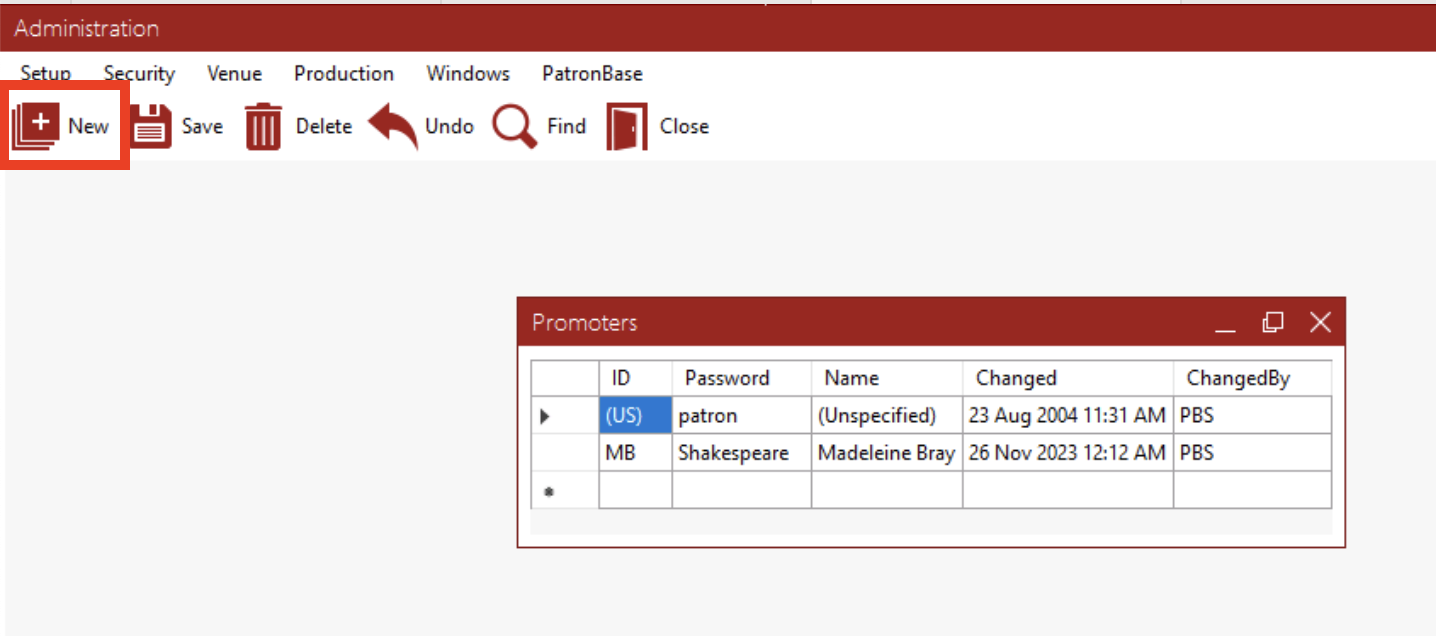
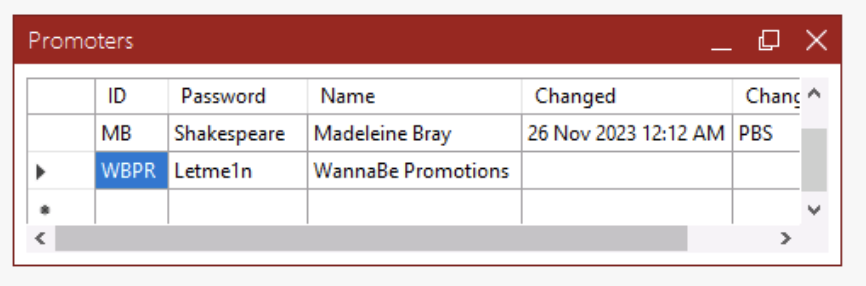
To add a new Promoter click the New button
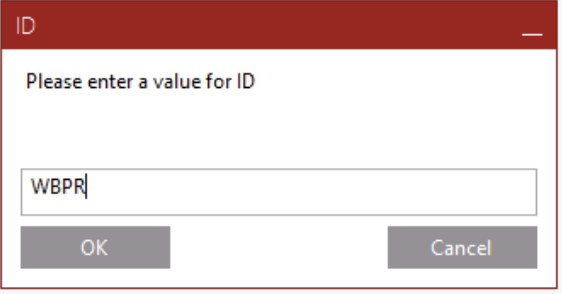
Enter an ID for the Promoter
Enter a Password for the Promoter to use:
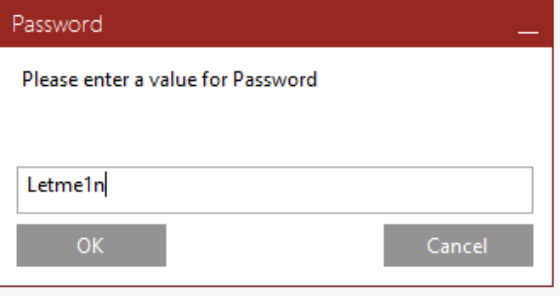
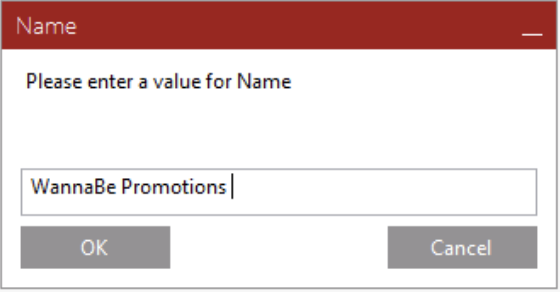
Click OK to add the Promoter.
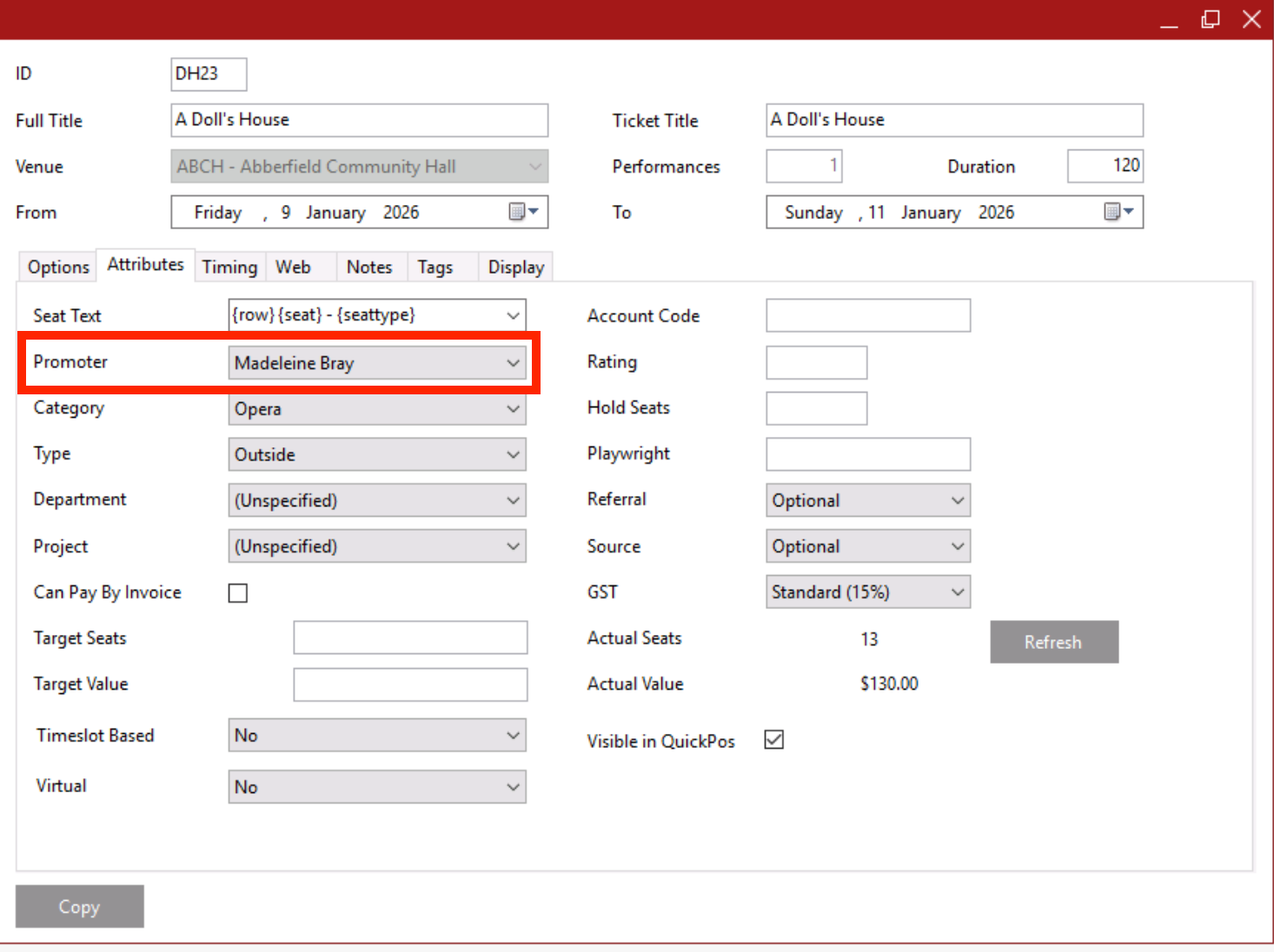
Promoters are associated with events under Desktop Administration Module > Production > Edit Productions > Select Production > Attributes Tab > Promoter
Note: The Promoter login is only active for a short period after an event has finished. |
The Promoter should now be able to access reports via the Promoters' Login. See Troubleshooting: Promoters login has disappeared from the booking skin
Related Articles:
What is the Promoters' login link?
Troubleshooting: Promoters login has disappeared from the booking skin